How to write an illustration prompt
A useful prompt explains both what happens in the picture and how the picture should look. Start with a scene, then choose the visual language that supports it.
1. Describe a scene you can picture
“Self-care” is a topic, but it leaves the image tool to invent the scene. “A person sitting by an open window with a cup of tea, watching the rain” gives it a subject, action and setting. Keep this scene short enough that you can change its style without rewriting the story.
2. Choose the visual characteristics
Compare the linework, palette, material and amount of detail in your references. Do you want broken pencil lines or crisp silhouettes? Transparent watercolor or opaque flat color? A mostly empty page or a detailed environment? These decisions are more useful than a long list of adjectives such as “beautiful” and “stunning.”
3. Add composition and constraints
Specify where the subject sits in the frame and which areas should remain quiet. If the image accompanies a headline, ask for open space on a particular side and add the typography separately. Keep constraints relevant: a simple editorial illustration might need “one focal subject, no lettering, no decorative frame.”
A worked example
A person sitting by an open window with a cup of tea, watching the rain. Delicate, slightly uneven pencil outlines and transparent watercolor washes on warm ivory paper. Muted sage green, pale blue and a small warm yellow accent. Place the figure in the lower right, leaving generous open space above and to the left. Minimal facial details, soft edges, visible paper texture. No text, logo or decorative border.
This prompt combines a concrete scene with a medium, palette, layout and a few limits. It describes the intended image; it cannot guarantee that every model will follow every instruction.
Compare one scene across three styles
Keep the window-and-tea scene unchanged, then try each of these approaches. Change only the visual treatment so you can see what it contributes.
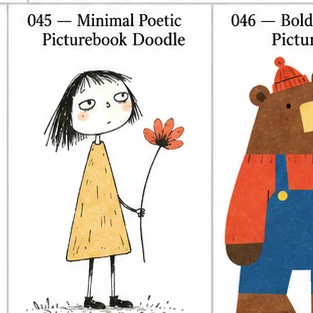
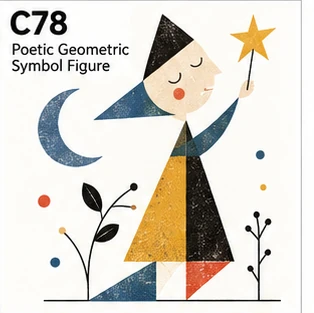
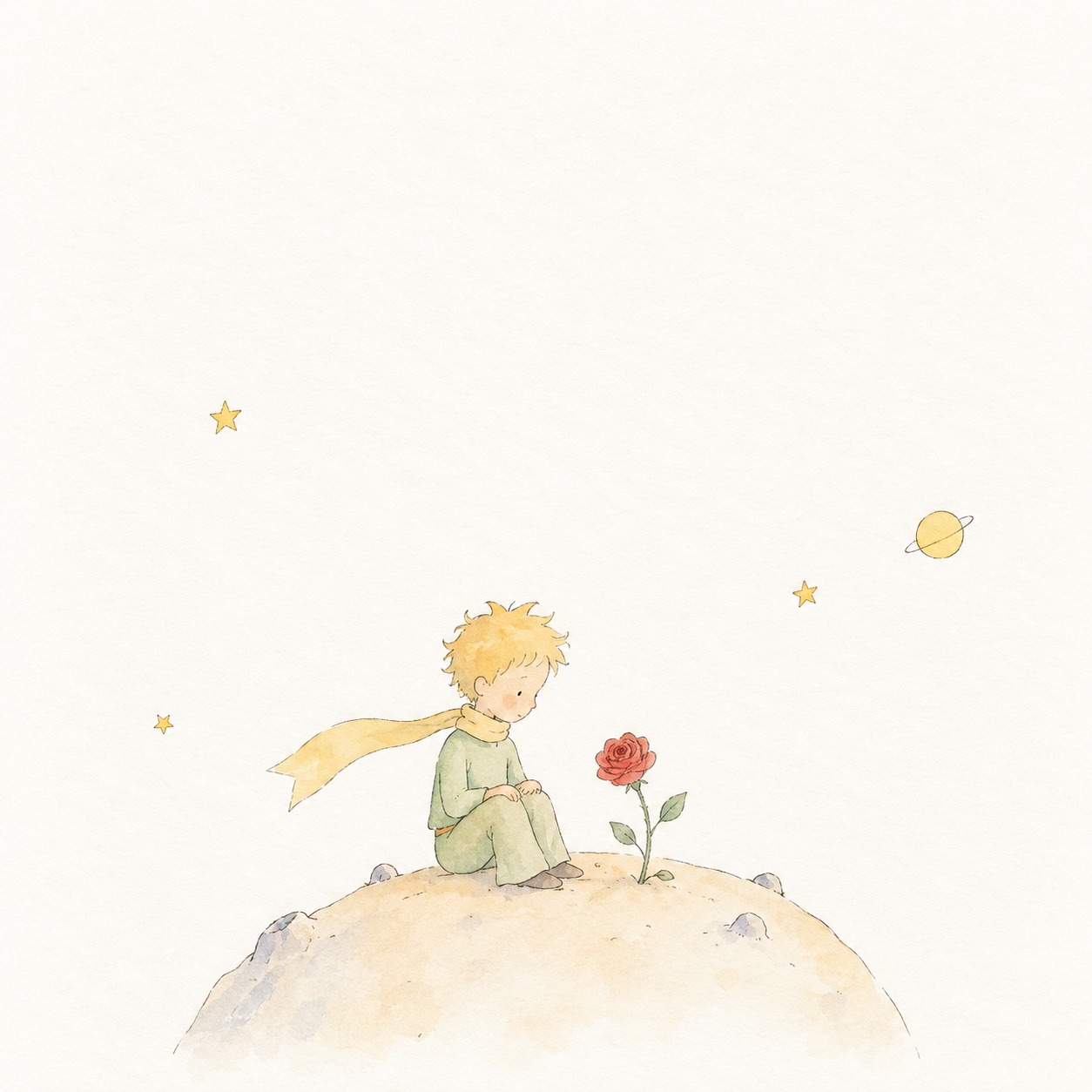
4. Refine one thing at a time
If the result is too busy, reduce the number of objects or ask for a quieter background. If it feels too polished, name a specific handmade quality such as uneven ink edges or paper grain. Keep a successful scene description and revise the smallest instruction that addresses the problem.
Using IlluStyle
- Browse illustration styles or select a collection.
- Open a style and review its example and visual characteristics.
- Replace the sample scene with your own subject and action.
- Choose English or Chinese, copy the prompt and paste it into your image tool.
Common questions
Does IlluStyle generate images?
No. It helps you choose a style and prepare a prompt. Generation happens in the image tool you use.
Can I use the prompts with different models?
The prompts use plain descriptions rather than model-specific commands. Different models interpret them differently, so adjust length, aspect ratio and other settings in your chosen tool.
Will switching languages translate my scene?
No. The style instructions change language, but your scene stays as written. Write the scene in your preferred language before copying.
Are the reference images a guarantee of my result?
No. They illustrate a visual direction. Reference assets retain their own permissions; review the license notice and the rules of your image tool before reusing them.